More web.
Less in the way.
Your spaces. Your rhythm. A browser that knows when to disappear.
Get Thravik for Mac ↗macOS 26+
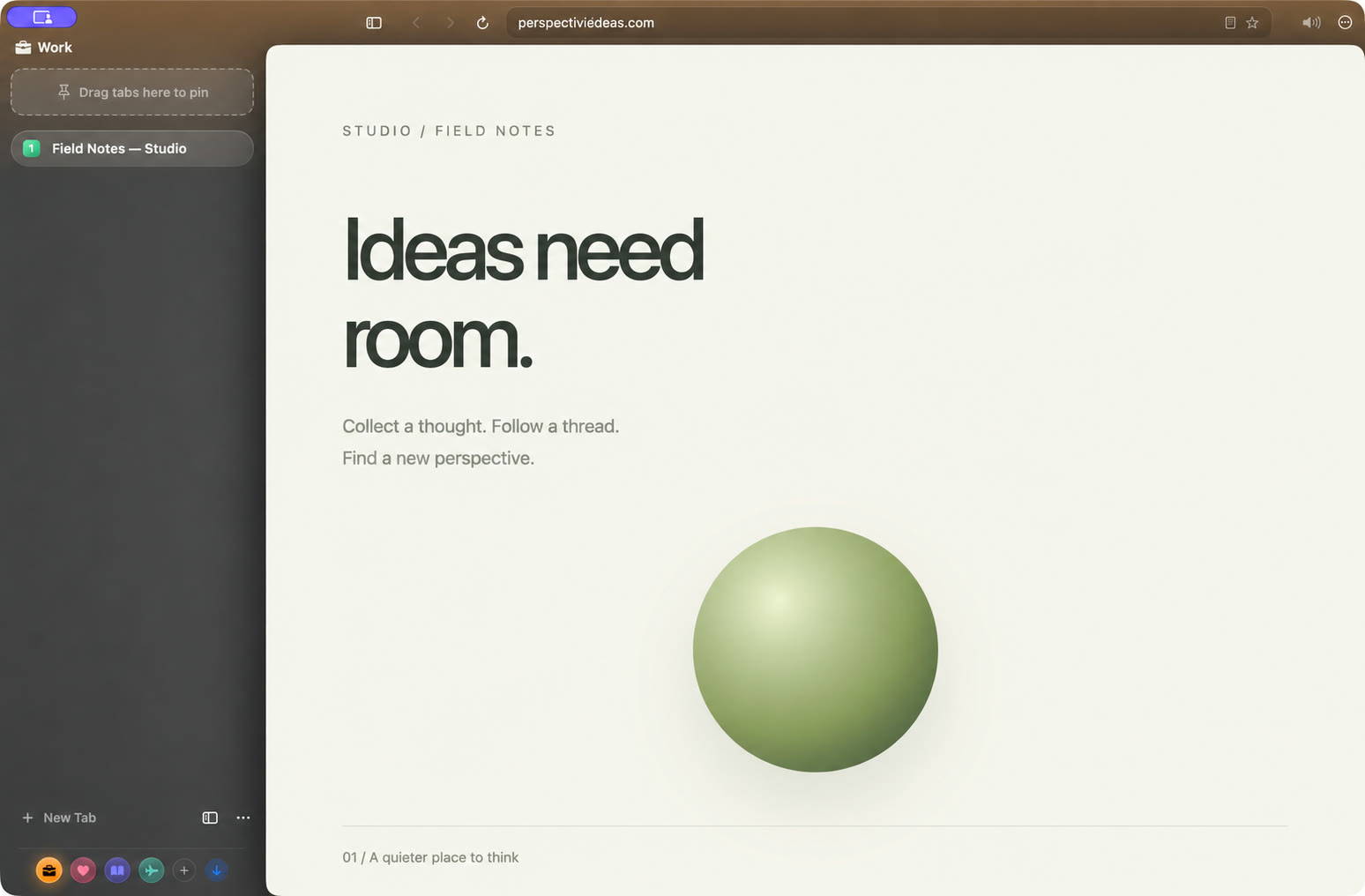
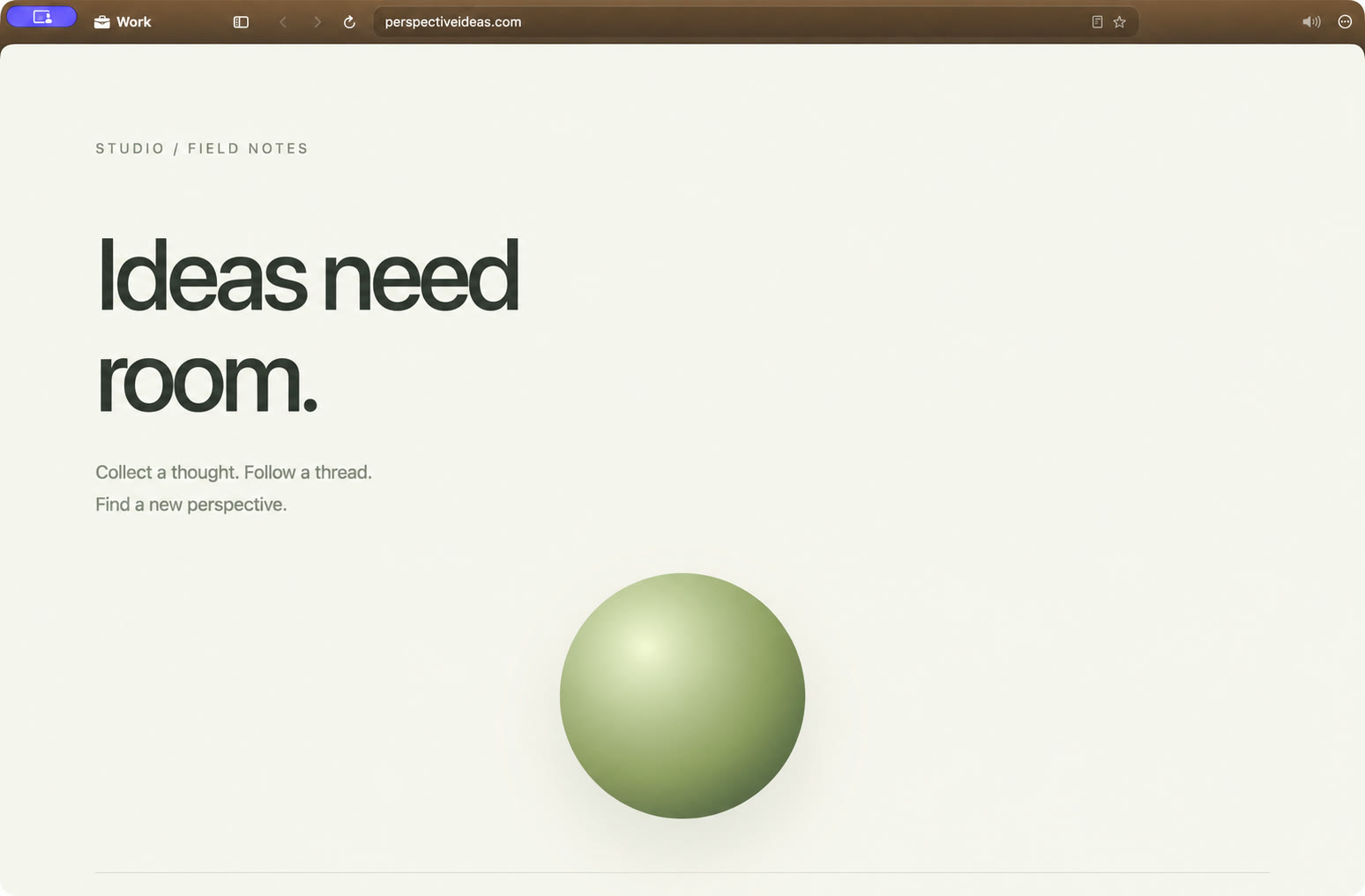
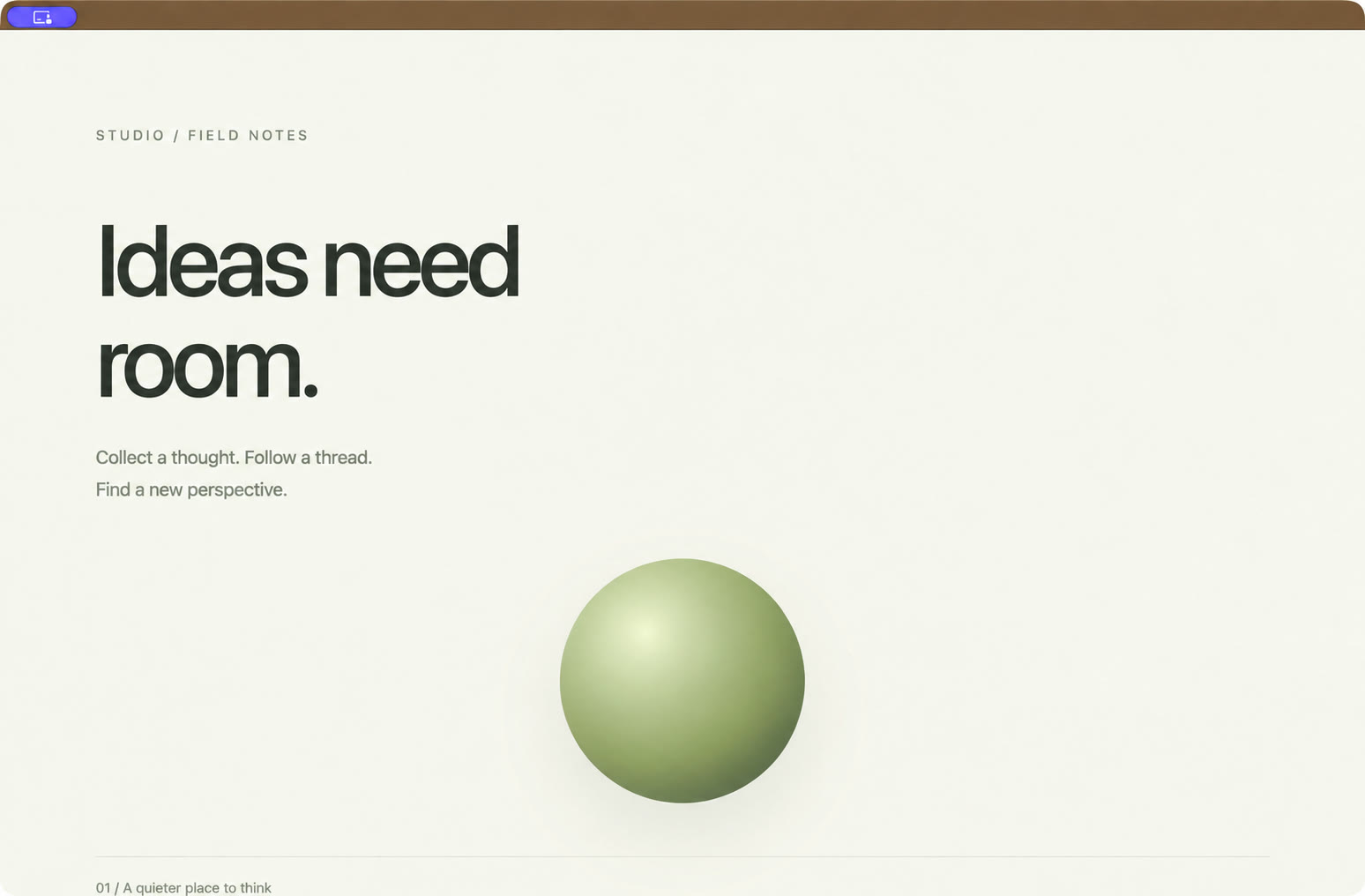
01 / MAKE IT YOURSA Space.
A Space.
With your signature.
Turn the dials. Find your color. Give every part of your day its own atmosphere.
02 / UP TO FOUR PAGES. ONE FLOW.Side by side.
Side by side.
In the same flow.
Read, compare, build. Keep up to 4 pages in view.
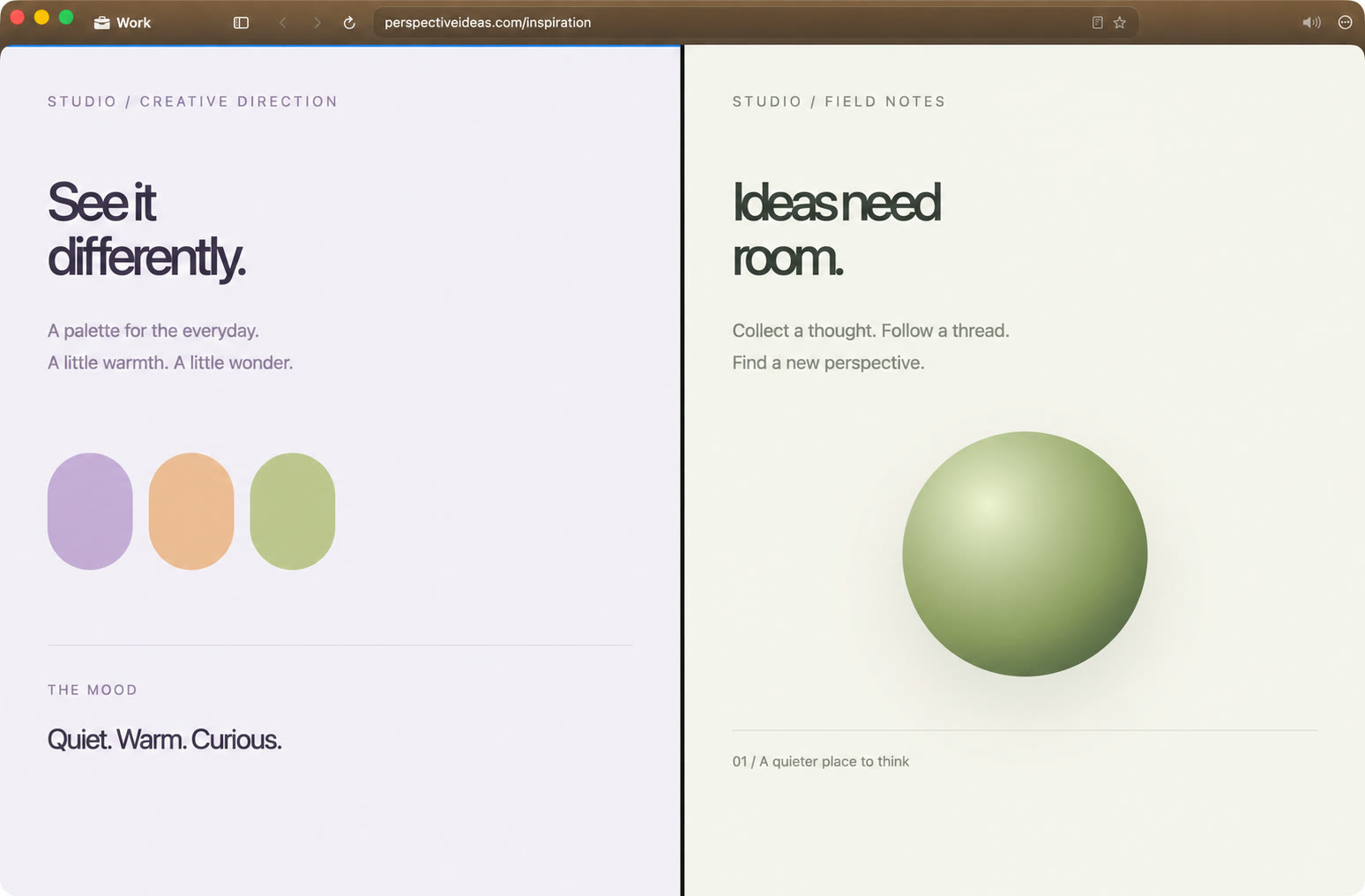
Try Split View · ⌘⇧D
03 / SIGN IN, KEEP GOINGA little help.
A little help.
Right on cue.
Passwords. One-time codes. One less thing to juggle.
Your code, on cue.
04 / FAMILIAR TOOLS. DIFFERENT ENGINE.WebKit inside.
WebKit inside.
Chrome DevTools below.
Inspect your sources. Stay in your flow.
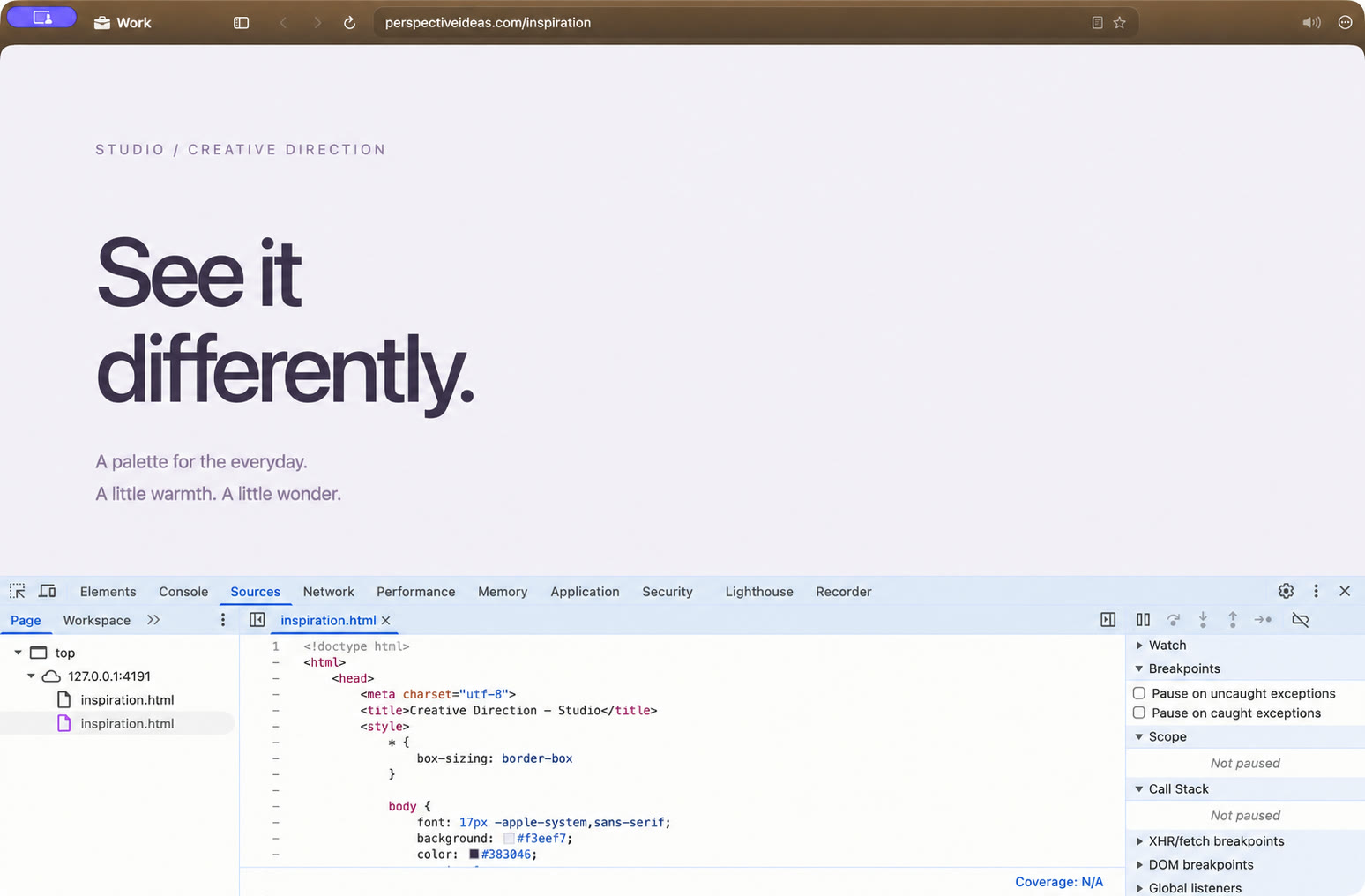
Open DevTools · ⌘⌥I
LESS WEIGHT. MORE INTENT.
Native by nature.
System WebKit. Idle tabs that hibernate. Tracker blocking built in.
Compare Chrome, Dia & Safari ↗A FEW GOOD QUESTIONS
Before you switch.
What is Thravik?
Thravik is a native macOS web browser built with Swift and Apple’s system WebKit. It combines a glass interface, Spaces, flexible tabs, tracker blocking, and built-in password and authenticator tools.
Does Thravik use Chromium?
No. Thravik uses the WebKit engine supplied by macOS. It does not bundle Chromium.
Can I switch from Chrome or Dia?
Yes. Thravik can import bookmarks, history, and saved passwords from supported local browser profiles, including Chrome, Dia, Arc, Brave, Edge, Vivaldi, and Comet. Available data depends on the source profile and macOS permissions.
Will my Chrome extensions work?
Thravik can run Chrome extensions through WebKit’s extension engine. Install from a Chrome Web Store link, a package, or an unpacked folder. Extensions using Chrome-only APIs may not work; check the ones your workflow needs.
Is Thravik faster than other browsers?
Thravik is designed to avoid a bundled browser engine and release inactive web views. We do not publish speed, battery, or memory superiority claims without reproducible benchmarks.
What Mac do I need?
The current project requires macOS 26 or later. Check the latest release notes for available builds and installation requirements.
THE WHOLE TOOLBOXSmall details.
Small details.
A lot of possibilities.
Everything that makes Thravik your browser.
Your workspace
- Custom Spaces with separate cookies and logins
- Color, grain, glow and icon controls
- Vertical or horizontal tabs
- Pinned tabs and tab groups
- On-device group naming with Apple Intelligence
- Temporary tabs and isolated browsing sessions
- Move tabs between Spaces and windows
- Reopen closed tabs and restore sessions
- Command Bar for tabs, history, bookmarks and actions
Room to focus
- Split View with up to 4 pages
- Horizontal or vertical splits with resizable panes
- Focus Mode and collapsible sidebar
- Hide navigation and tab bars
- Reader Mode for articles
- Find on page, zoom and print to PDF
- Multiple windows and private browsing
A quieter web
- Ad and tracker blocking
- Tracking parameters removed from links
- Cookie banner rejection
- Quiet autoplay audio and notification prompts
- Site permission controls
- Forget a site’s cookies, storage and history
- Idle tab hibernation with adjustable timing
Passwords & codes
- Built-in password manager and autofill
- macOS Keychain storage
- Authenticator one-time codes
- Import Google Authenticator accounts
- QR, image and clipboard imports
- Earlier form entry suggestions
- Passkeys where supported by the installed build
Your everyday tools
- Searchable browsing history
- Per-tab navigation timeline
- Bookmarks, folders and favorites
- Downloads manager
- Browser data import
- Custom search engine and homepage
- Automatic update checks
More, when you need it
- Chrome DevTools frontend for WebKit pages
- Web extensions through WebKit’s extension engine
- Install extensions from store links, packages or folders
- Websites as standalone Mac apps
- Floating video with playback and volume controls
- Per-tab volume and mute controls
- Optional account, encrypted vault and workspace sync
Extension compatibility depends on the APIs it uses. Account and sync features require a configured account; passkey availability depends on your build and macOS permissions.
Make room
for your web.
Get Thravik for Mac ↗macOS 26+ · Release details on GitHub